Create a student dismissal process for schools

Create a student dismissal process

OneTap is the easy way for parents to check-in during the dismissal process, and for schools to know when parents have arrived to pick up their children.


Get control over your schools student dismissals process

Who is this for?

We are for school staff who are ...

  • Looking for a system to track parents who have arrived to pick up their children.
  • Looking to implement additional social distancing measures this year during the dismissal process.
  • Looking to streamline the parent check-in process with parents checking in on their own mobile device.
Get Started Free

Exhibit A - QR codes

  • Print out large QR codes that can be scanned by parents at a checkpoint.
  • Works on all iPhones and most android smartphones without installing any other apps.
  • How to use this?
    A. Print our QR codes and post them at checkpoints.
    B. Parents pull-up in their vehicle and scan the QR code one a time.
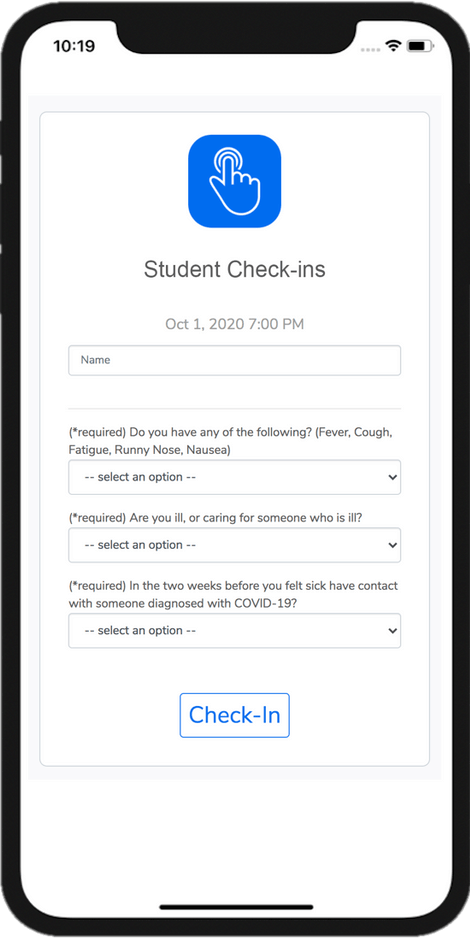
    C. They will be taken to our check-in page (shown below).
QR codes that can be scanned by parents at checkpoint - safer for students
Eliminate check-in lines in the check-in process and dismissal

Exhibit B - Check-in links

What can you excpect from a demo with OneTap?

  • Create a daily touch-less check-in process by sharing self-check-in links with parents.
  • Send the check-in link once and parents can reuse it daily. Check-in links can be bookmarked, added to home screen, or kept in a email/message thread.
  • How to use this?
    A.
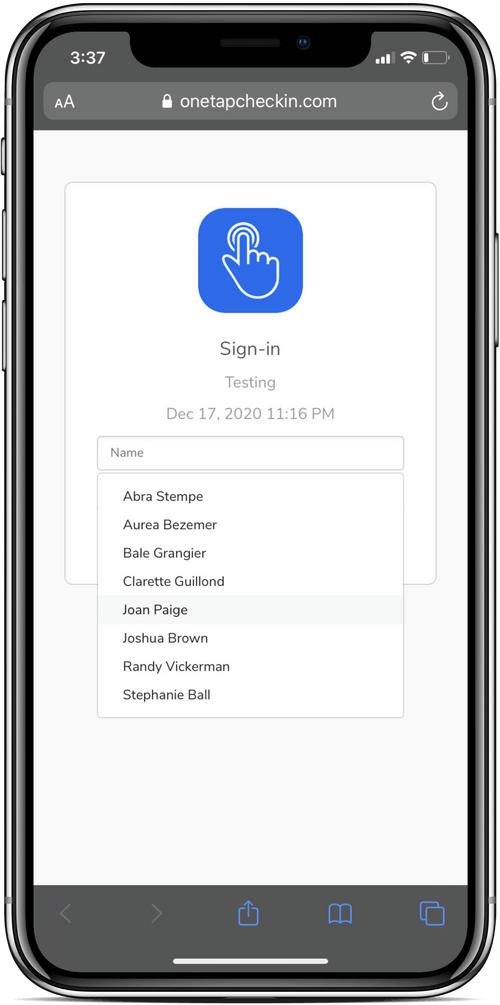
    Parents open the link (from their email, text, or by scanning a QR code).
    B. They search for their name from a dropdown list, and check-in!
Get Started Free

Exhibit C - Surveys

Need more details from parents? We've got that covered too ...

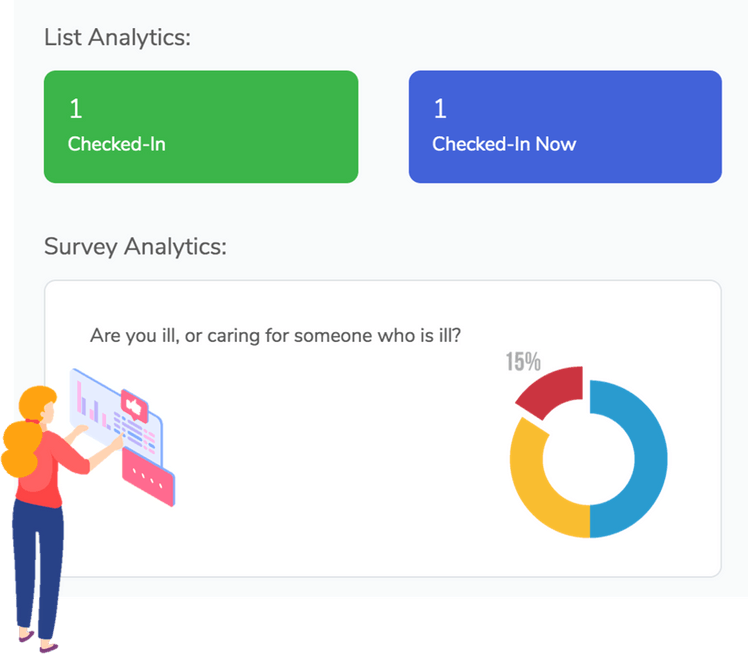
  • Ask parents survey questions during the check-in process.
  • Example:
    Where are you parked?
    John and Elm street.

    (P.S. You can provide dropdown options so it's fast to answer).
  • Example II:
    Which checkpoint are you at?
    Orange checkpoint.
  • Like before, this works on all iPhones and most android smartphones without installing any other apps. It's just a website link.
Create covid and parents surveys to get more details
Value privacy in for check-in and dismissal

Exhibit D - Privacy matters

We value data privacy, therefore ...

  • We will never sell or market your data.
  • You may choose to use family names instead.
  • You may hide dropdown of names that appear on the check-in link to prevent unwanted persons from viewing this information.
  • We respect all student & parent imported int our system that falls under Family Educational Rights and Privacy Act (FERPA).
  • We serve trusted educational institutions and enterprises.
Get Started Free

Exhibit E - OneTap app

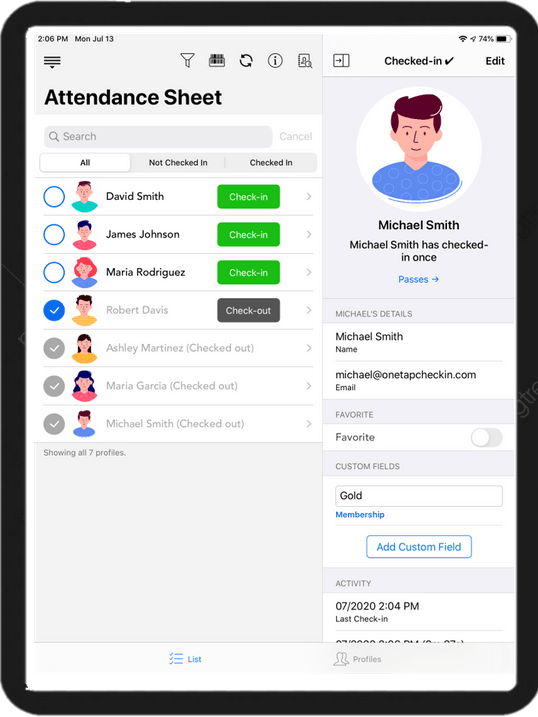
We have an admin iPad and iPhone app that helps you ...

  • View check-ins in real time! (Like Google docs)
  • See who's checked-in, sort by check-in time.
  • See where they checked-in; the GPS location.
  • See custom survey question answers.
  • Any other custom fields associated with the parent.
    Custom fields can save details such as:
    Contact number, Emergency contact, Authorized pickup, etc.
GPS location in the Check-in app
Download excel reports with all check-in and student dismissal data

Exhibit F - Reports & collaboration

We value data privacy, therefore ...

  • Works on multiple devices at the same time.
  • Add multiple staff members to our organization's account.
  • Download excel reports with all check-in data.
  • Download aggregate reports with total check-ins, time between check-in and check-out.
Get Started Free
Book a demo to see how you can manage you memberships

Free Strategy Session (Exclusive)

For a limited time, book a strategy call with one of our product specialists.

  • A walk-through of OneTap's software
  • A session tailored to your needs and interests
  • Answers to any questions you may have
Book free demo