Attendance Software for Continuing Education

Prove Attendance for CE Credits

Track check-ins and check-outs, calculate time spent in every session, and generate audit-ready reports without the headache of paper sign-in sheets or extra staff.

Icon checkmark blue

Audit-ready records for CE documentation.

Icon checkmark blue

Export reports by session or by person.

Icon checkmark blue

Fast check-in/out flow.

No IT team needed. Setup in 15 minutes.

Trusted by universities, associations, training providers, and conference teams

OneTap Attendance Demo

One Attendance Tool for Every Type of Credit

Legal
(MCLE/CLE)

Audit-ready logs with digital signatures.

Medical (CME/NCPD)

Automate contact hours for breakouts.

Insurance & Accounting (CPE)

Precision logs for Sircon insurance filing.

Real Estate
(CE)

Digital proof for state-mandated credits.

Workforce Safety (PDH)

Verify hours with simple check-in app.

OneTap provides the accurate timestamps needed to track CEUs, CPE, CTLE, ACE, NACE, and dozens of other professional credit types.

Event Check-in App for Corporate Event Managers

No weekend spent in spreadsheets

Manage All Your CE, CPE Events from One Place

Quickly set up everything from a multi-day event with 70 sessions to daily licensing classes.

  • Manage all your CE seminars, CPE conferences, and licensing classes from one simple dashboard.

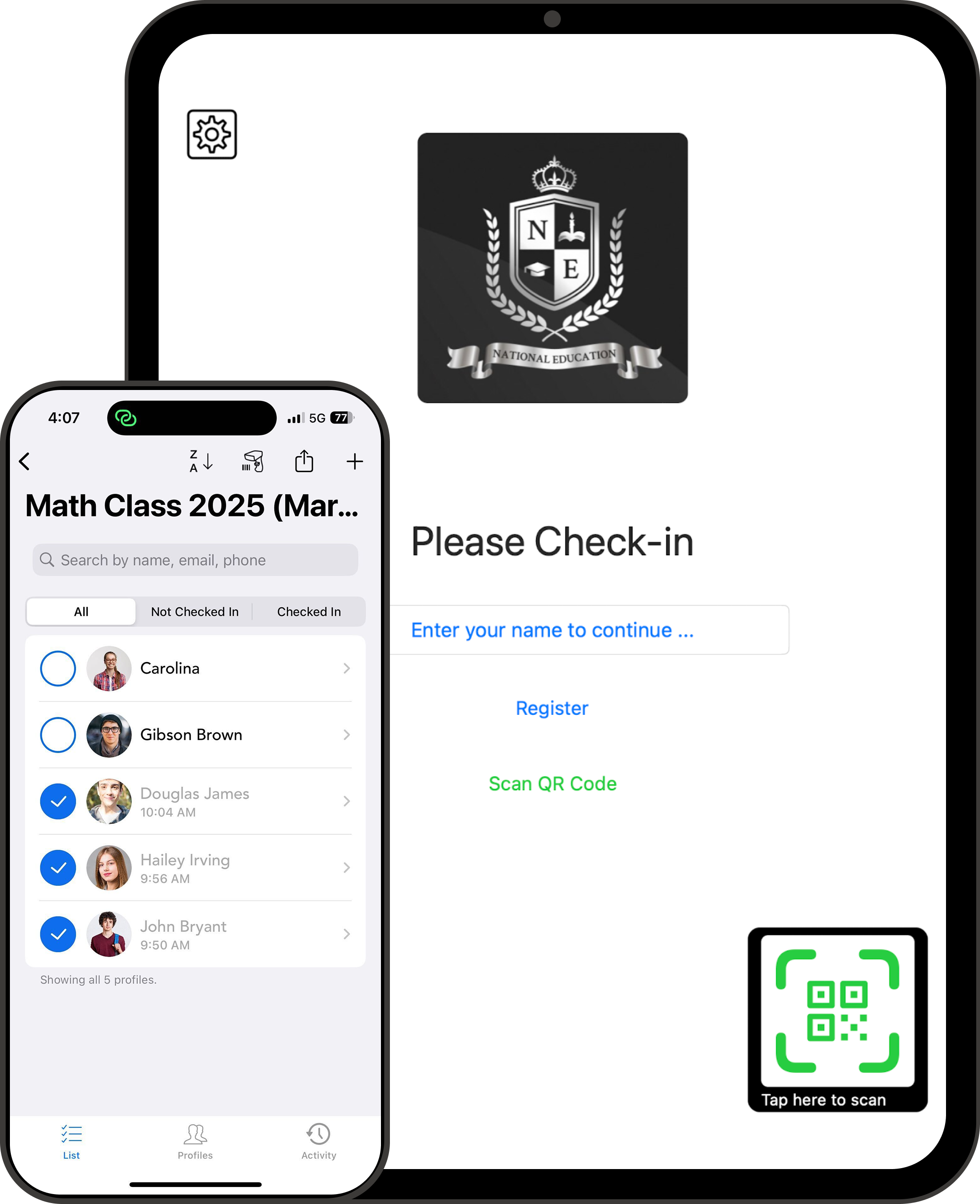
  • Use Universal QR for the whole event, or session QR codes when you need session-level tracking.

Just drag and drop your attendee list (Excel or CSV) and start tracking CE credits in minutes.

End the spreadsheet math

Get Clean Reports for Every Credit in Seconds

Finally stop running the numbers yourself just to see who stayed long enough to earn their credits.

  • Capture full names, license numbers, and timestamps automatically so your records match exactly what your board requires.

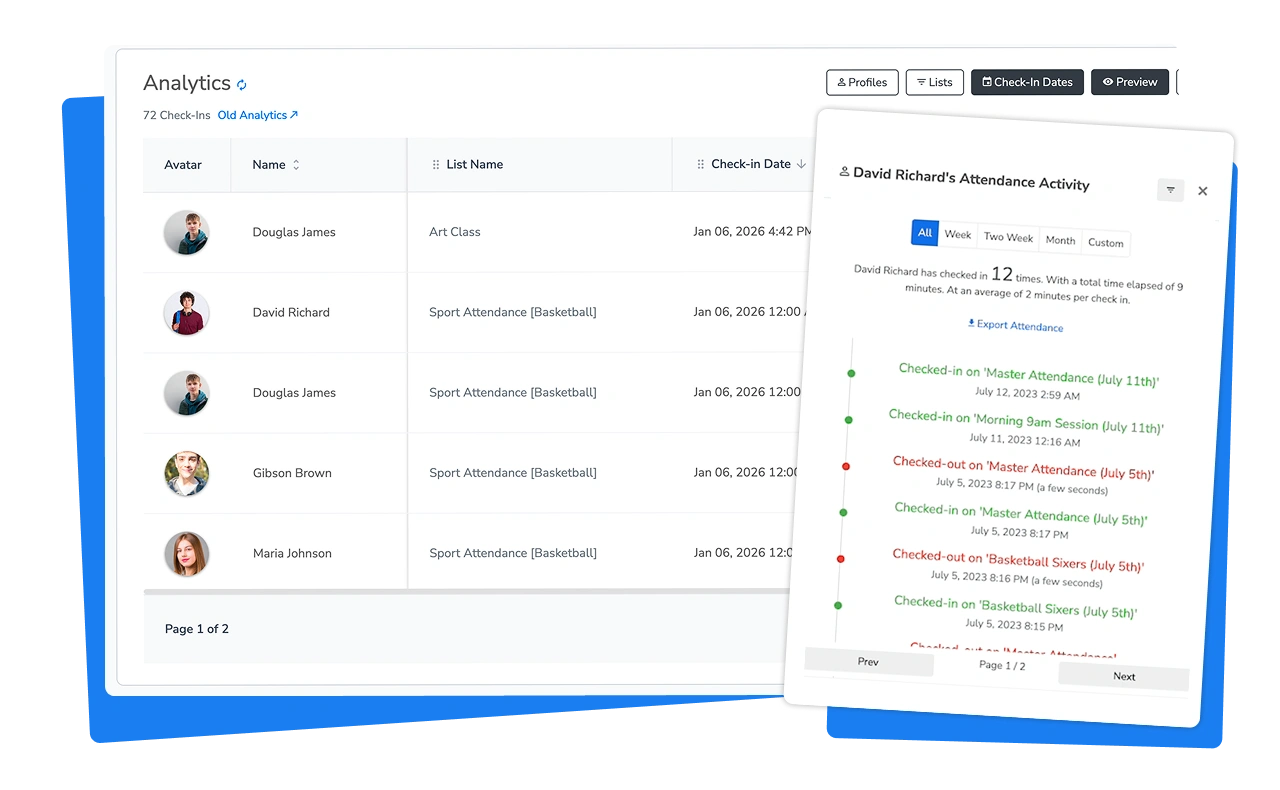
  • OneTap calculates the total hours for you, so your data is ready to file in one click.

Export accurate attendance reports by session, day, or attendee in Excel or PDF format.

Custom check-ins with OneTap attendance tracker

No more separate checkout sheet

Make Check-Ins & Check-Outs a Breeze for Everyone

Stop using messy paper sheets or creating separate spreadsheets just to track when people leave.

  • OneTap handles both everything in one place so you can finally end the administrative headache.

  • Attendees scan the same QR code with their own phone for both check-in and check-out.

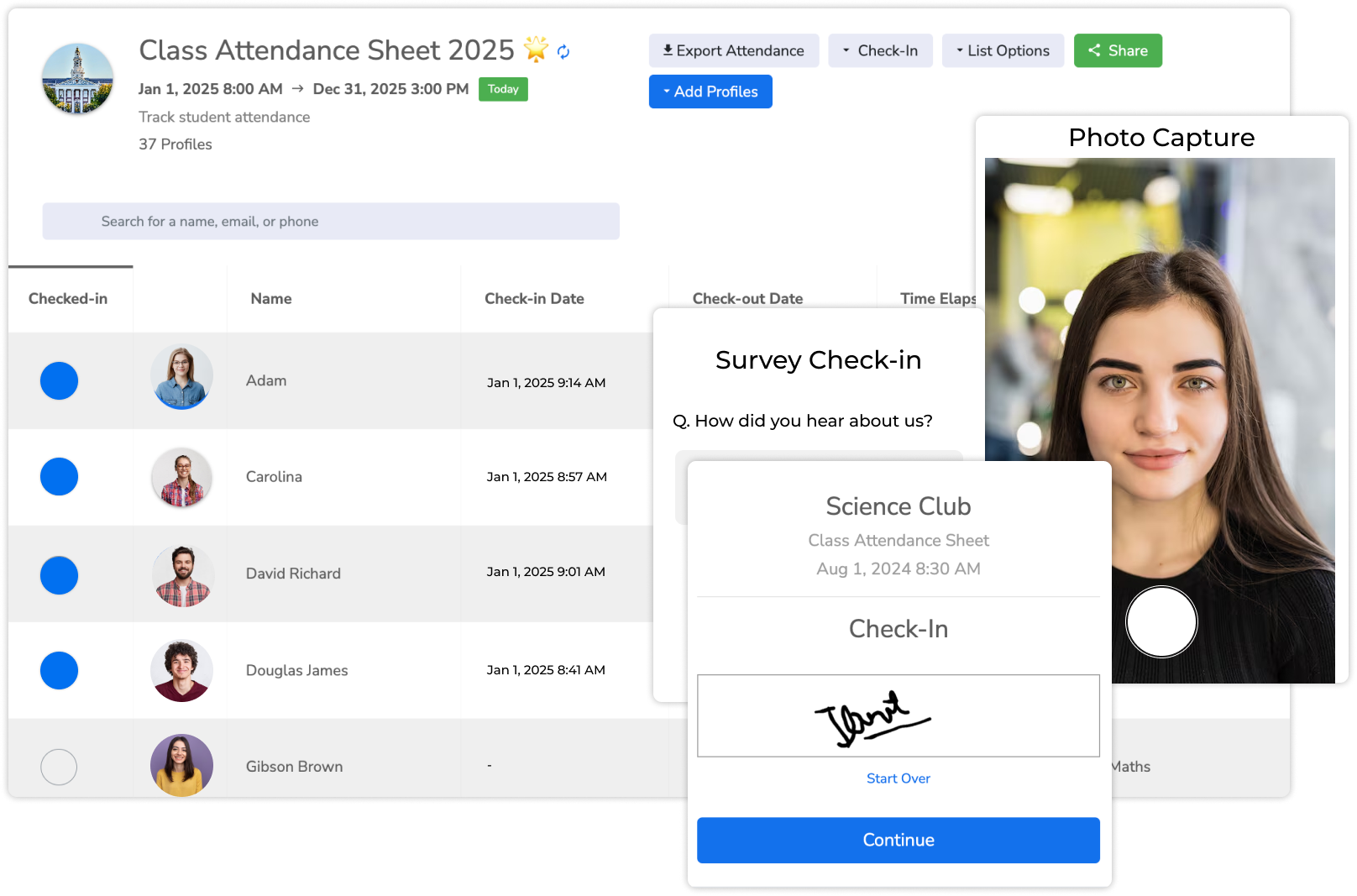
Add a signature or photo for extra proof. Use private codes to keep attendee data secure.

Know your participants are "actually there"

Stop Early Check-in & Fake Check-ins from the Dorm

Stand behind your data with 100% confidence when boards or auditors review your files for accreditation.

  • Prevent people from scanning into every session at once and leaving the building early.

  • Ensure attendees are actually in the room so nobody can just text a photo of the code to a friend.

Set time, location, and device restriction rules to make sure everyone is present and earning their credits.

Location Attendance System by OneTap

Tracking Continuing Education Credits Needs More Than Check-in

Paper sheets get messy. Spreadsheets turn into cleanup. Event apps often miss check-out. OneTap gives you the CE proof you actually need: session-level records + time attended + clean reports.

What You Care About
Paper & Clipboards
Excel or Spreadsheet
Event app / “check-in only” tools
OneTap for CE Credits
Can you prove time attended?
Hard. You’re guessing from signatures.
Manual. You’re calculating after.
Often incomplete (no real check-out).
Yes. Check-in, check-out timestamps and time attended.
Do people forget check-out?
All the time. Then you chase.
All the time. Then you patch.
Yes and you need to create another flow.
Same QR code / kiosk for check-in and check-out.
How painful is it after the event?
Scanning, filing, storing.
“Two spreadsheets” and cleanup.
Export doesn’t match what boards want.
Download reports by session or by person.
Is it board/audit friendly?
Risky. Easy to dispute.
Depends on how clean your data is.
Hard to defend if timestamps are missing.
Audit-ready records for CE documentation.
How fast can you get it running?
Fast… but messy later.
Setup takes 15+ hours and more.
Set up in 15 minutes. No IT team needed.
What is the true cost?
High labor. 40+ hours of "back-work."
Risky. Fails board verification.
Expensive. Usually $5,000+/year.
Fair, simple, and transparent.
"Our previous system was so complicated that it took 15 hours just to set up. With OneTap, we were live in minutes. Our attendees didn't have to download any apps, and the reporting is so simple that I no longer have to spend my weekends fixing spreadsheets."
- Richard M., National Program Director

Powerful Features to Simplify Your Attendance Workflow

Simple, secure tools that save you hours of back-work and provide the verified data that licensing boards and auditors require.

Icon of team members - Add your team members into OneTap

Controlled Team Access

Give staff access to their specific courses or sessions.

one tap icon for api integration

Sync with Existing Tools

Effortlessly integrate your existing tools via Zapier, or Custom API

Industry-Standard Security

We keep everything private, never sell it, and store it only in US data centers. 🇺🇸

Custom Reports

Get perfect reports based on your specific requirements for audits.

Walk-in Registrations

Add last-minute attendees right at the door.

“Chasing hundreds of people for missing sign-out signatures used to be a full-time job. OneTap allowed me to finally get rid of all that manual work and have audit-ready data in seconds. It has been a total lifesaver for our department.”
- Tammy L., Continuing Education Coordinator

Frequently Asked Questions

Is digital attendance valid for state board audits?

Many boards accept digital timestamped attendance records. Requirements vary by board, and OneTap gives you clean check-in/out timestamps, time attended, and optional location verification when needed.

Do my attendees need to download an app?

No. Your attendees simply scan a QR code with their own phone. It opens a secure web page, no app or login required.

what happens if someone forgets to check out?

"People being people," this will happen. You can manually check them out from your admin dashboard at the end of the day.

Can I track multiple types of credits (MCLE, CPE, EA) at the same time?

Yes. You can capture any custom ID field (like a Bar # or National Producer Number) during check-in. OneTap links all attendance records to the single student profile in your final report.